
How to Redesign Your Website Without Losing Your Google Rankings
A redesign can wipe out years of Google rankings if pages move without a plan. Here is how to map, redirect, test and monitor so your traffic survives.
A new website should bring in more enquiries, not fewer. Yet plenty of businesses launch a beautiful redesign and then watch their Google traffic drop over the following weeks. It is rarely the design that causes it. It is what happened to the old pages along the way: addresses changed, content was cut, and nobody told Google where everything went. The good news is that this is almost entirely preventable with a bit of planning. Here is how to redesign your website and keep the rankings you have already earned.
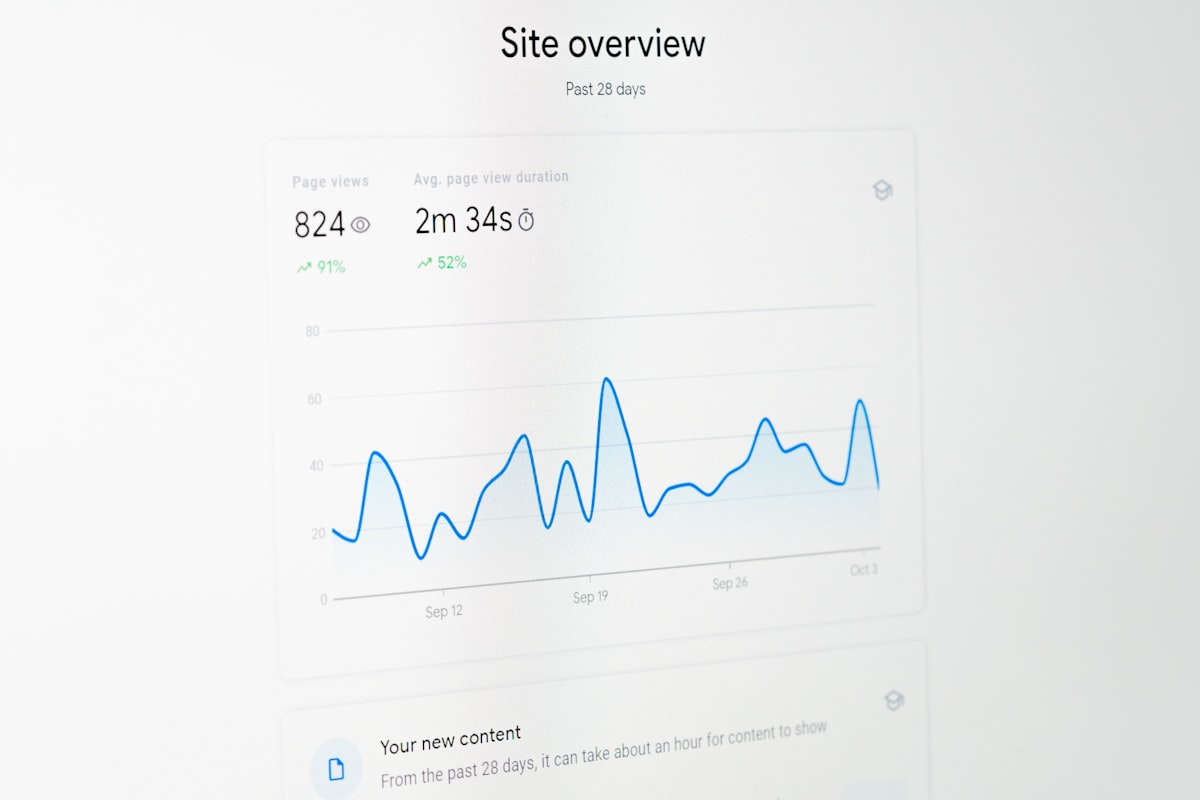
Why Redesigns Lose Rankings
Google ranks individual pages, each at its own address. When a redesign changes those addresses, removes pages or strips out the text that was ranking, Google has to work out what happened. If it cannot find a clear path from the old page to the new one, the old page simply disappears from search, along with the visitors it was bringing in. The most common causes are:
- Page addresses changing with no redirects from the old ones.
- Pages that ranked well being merged or deleted.
- Useful text being cut back to make the design look cleaner.
- Page titles, descriptions and headings not being carried over.
- A setting that blocks search engines on the test site being left switched on at launch.
Step 1: Know What Is Working Before You Change Anything
Before the redesign starts, make a list of the pages that matter. Google Search Console shows which pages appear in search and get clicks, and your analytics shows which pages bring visitors and enquiries. Note any pages that other websites link to as well, since those links carry value you want to keep. This list becomes your checklist for everything that follows. If you are not sure your site is ranking properly to begin with, our guide on why a website is not ranking on Google is a useful place to start.
Step 2: Keep Page Addresses Where You Can
The safest redirect is the one you never need. If a page already ranks and its address makes sense, keep the same address on the new site. A redesign is a chance to improve how pages look and read, not a reason to rename every address. Only change addresses where there is a genuine improvement, such as a messy or meaningless address on an old platform.
Step 3: Build a Redirect Map
Where an address does change, set up a permanent redirect, known as a 301, from the old address to its new equivalent. The simplest way to manage this is a redirect map: a spreadsheet with every old address in one column and its new home in the next. A few rules make it work:
- Redirect like for like. Send each old page to the new page that covers the same topic, not to the homepage.
- Use permanent redirects for permanent changes. Google's guidance on moving a site notes that 301 and other permanent redirects do not cause a loss in PageRank.
- Avoid chains. Each old address should go straight to its final destination, not through several redirects in a row.
- Update your own links. Point internal links and menus at the new addresses directly, instead of relying on redirects.
Step 4: Keep the Content That Ranks
A page ranks because its text answers what people are searching for. If the redesign cuts a detailed service page down to two lines and a photo, it will usually lose its position no matter how good it looks. You can restructure, tighten and improve the writing, but keep the substance. The same goes for blog posts, which often bring in a large share of traffic, as we explain in our guide to ranking on page one using blogs.
Step 5: Carry Over the Technical Basics
- Page titles and meta descriptions for every important page.
- A sensible heading structure, with one main heading per page.
- Descriptive alt text on images.
- Structured data, such as your business details, if the old site had it.
- Correct canonical tags pointing at the live addresses, not the test site.
- An updated sitemap listing the new addresses.
Speed matters too. A redesign that adds heavy images and scripts can slow the site down, which affects both rankings and enquiries. Our guide to how website speed costs you customers shows how to check it.
Step 6: Test Before and After Launch
Before launch, check every address on your list against the new site. Each one should either load the same page or redirect once to the right replacement. After launch, check again on the live site, confirm search engines are allowed to index it, and submit the new sitemap in Google Search Console. Broken pages found in the first few days are quick to fix. Broken pages found two months later have already cost you traffic.
Step 7: Monitor for the Following Weeks
Google's guidance describes Search Console as especially useful during a site move. Watch for pages reported as not found, check that your key pages are indexed under their new addresses, and compare traffic with the same period before launch. Some movement in the first few weeks is normal while Google processes the changes. A steady decline on specific pages usually points to a missed redirect or lost content, both of which can be fixed.
Changing Your Domain Name Too?
Moving to a new domain at the same time as a redesign adds risk, because every address changes at once. If you do, Google's Change of Address guidance explains how to tell Search Console about the move, and recommends keeping the redirects in place for at least 180 days, or longer if traffic is still arriving through them. Where possible, change one big thing at a time.
How We Approach a Rebuild
When we rebuild an existing site, mapping the old pages and planning redirects is part of the job from the start, not something left until launch day. That is also why we ask new clients for a list of their important pages before we begin, as covered in our checklist for preparing a website build. If you are weighing up which level of rebuild suits you, our guide to the Foundation, Growth and Bespoke packages sets out what each includes.
Planning a Redesign?
Book a free 15-minute consultation and we will look at what your current site ranks for and how to protect it through a rebuild.
Book Your Free Consultation →Frequently Asked Questions
Will a website redesign hurt my Google rankings?
It does not have to. Rankings usually drop because page addresses change without redirects or ranking content is removed. With a redirect map and the content kept, a redesign can hold or improve rankings.
What is a 301 redirect?
A permanent redirect that sends visitors and search engines from an old page address to its new one. Google's guidance says permanent redirects do not cause a loss in PageRank.
Should I redirect old pages to my homepage?
No. Redirect each old page to the new page that covers the same topic. Sending everything to the homepage loses the relevance that made the old page rank.
How long does it take rankings to settle after a redesign?
Some movement in the first few weeks is normal while Google processes the changes. Watch Search Console and investigate any page that keeps declining.
How long should I keep redirects in place?
For a domain move, Google recommends at least 180 days, or longer while traffic still arrives through them. For a redesign on the same domain, there is little reason to ever remove them.